One tap to start.
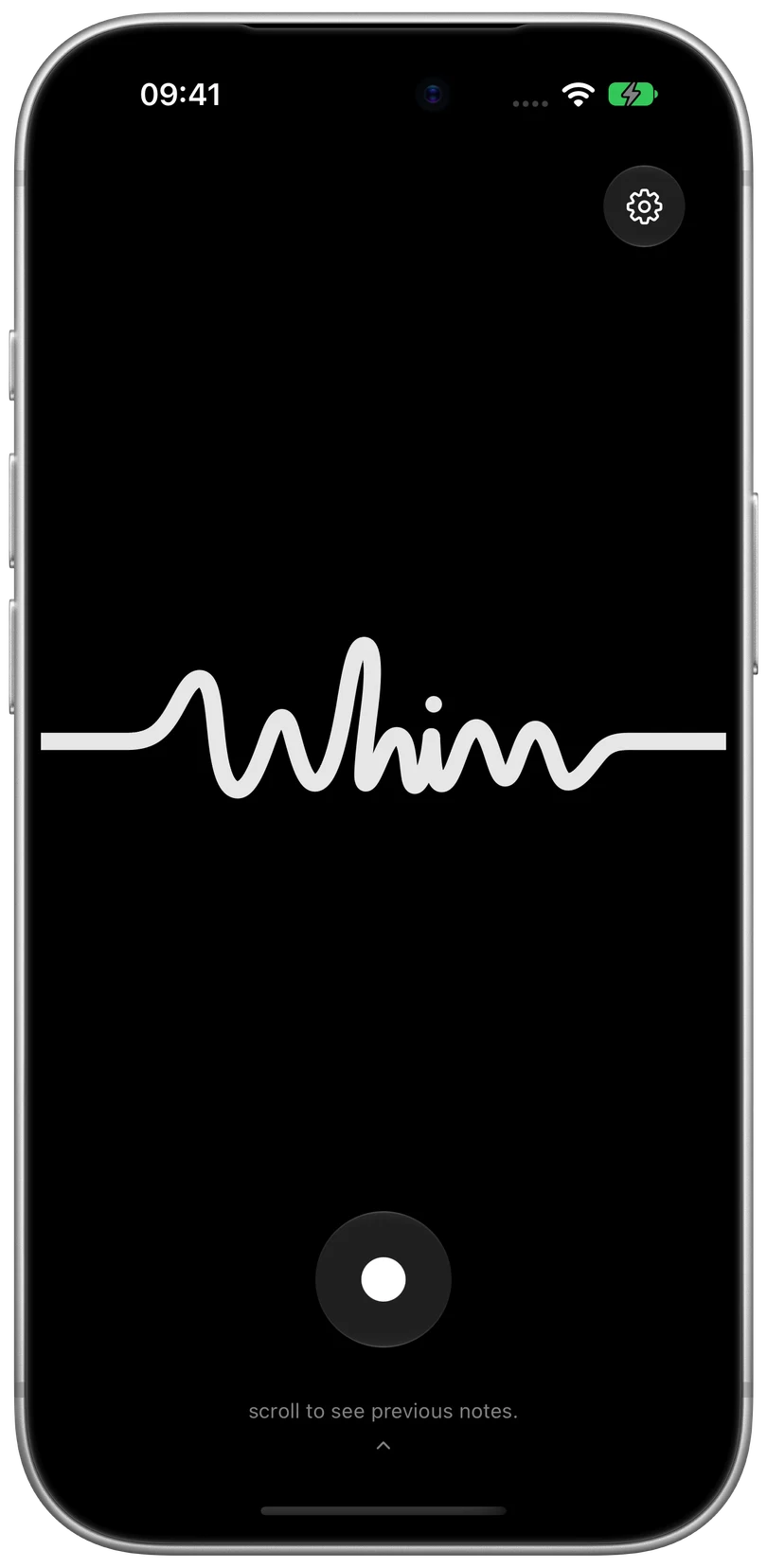
A focused screen and a single button. Your voice takes it from there.
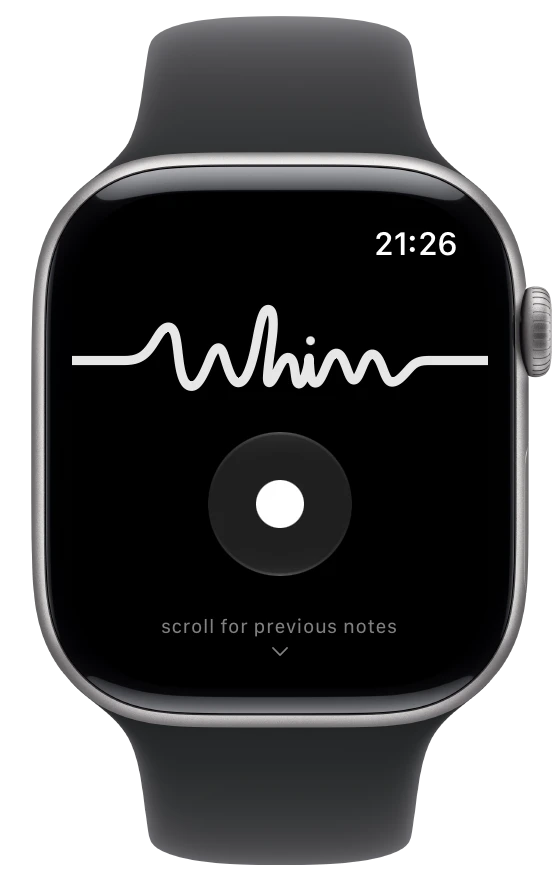
Capture the thought on iPhone or Apple Watch.
Send it straight to a workflow you control.
An idea. A reminder. Your next step.
Say it while it’s fresh, and get back to your day.
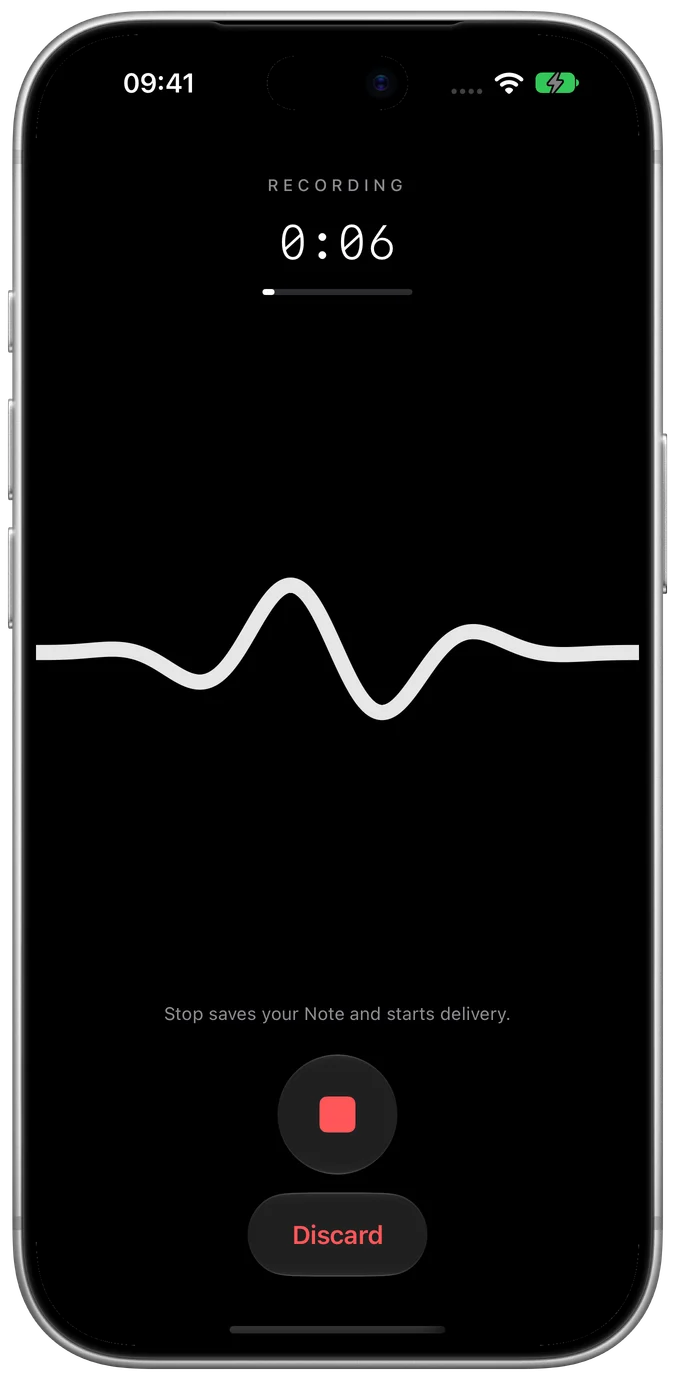
A focused screen and a single button. Your voice takes it from there.
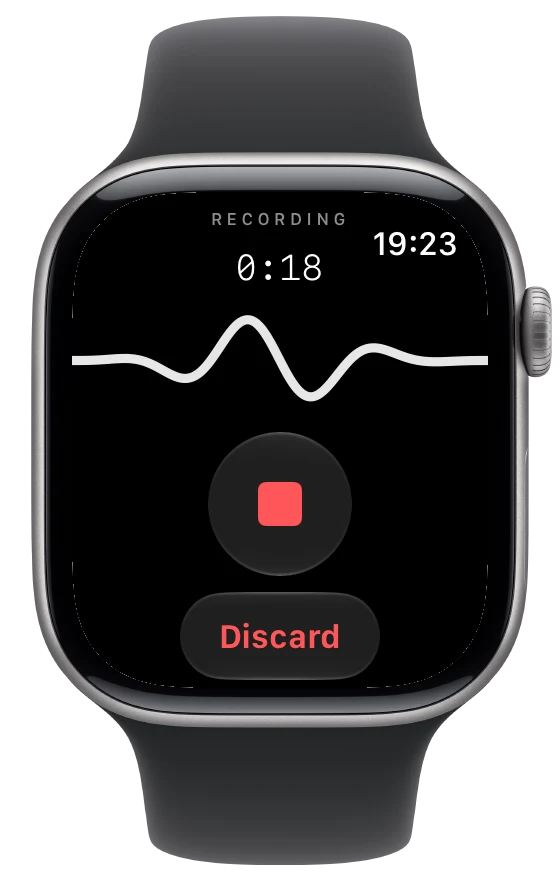
Record on iPhone, or open Whim on Apple Watch and capture a thought without reaching for your phone.
Stop recording to save your Note and start delivery to your configured webhook.
“An app that helps people share their favorite little places.”
Transcribe. Organize.
Choose the next step.
Your workflow can transcribe a thought and add it to your idea notebook.
“Pick up tomatoes, olive oil, and fresh basil on the way home.”
Transcribe. Organize.
Choose the next step.
Your workflow can turn a spoken reminder into a shopping list or a next step in your task app.
“For Monday’s meeting, let’s start with what we learned.”
Transcribe. Organize.
Choose the next step.
Your workflow can organize a voice Note, pull out the key points, and put them where you work.
An example of your own workflow. Full transcription, AI processing, and downstream steps require separate setup.
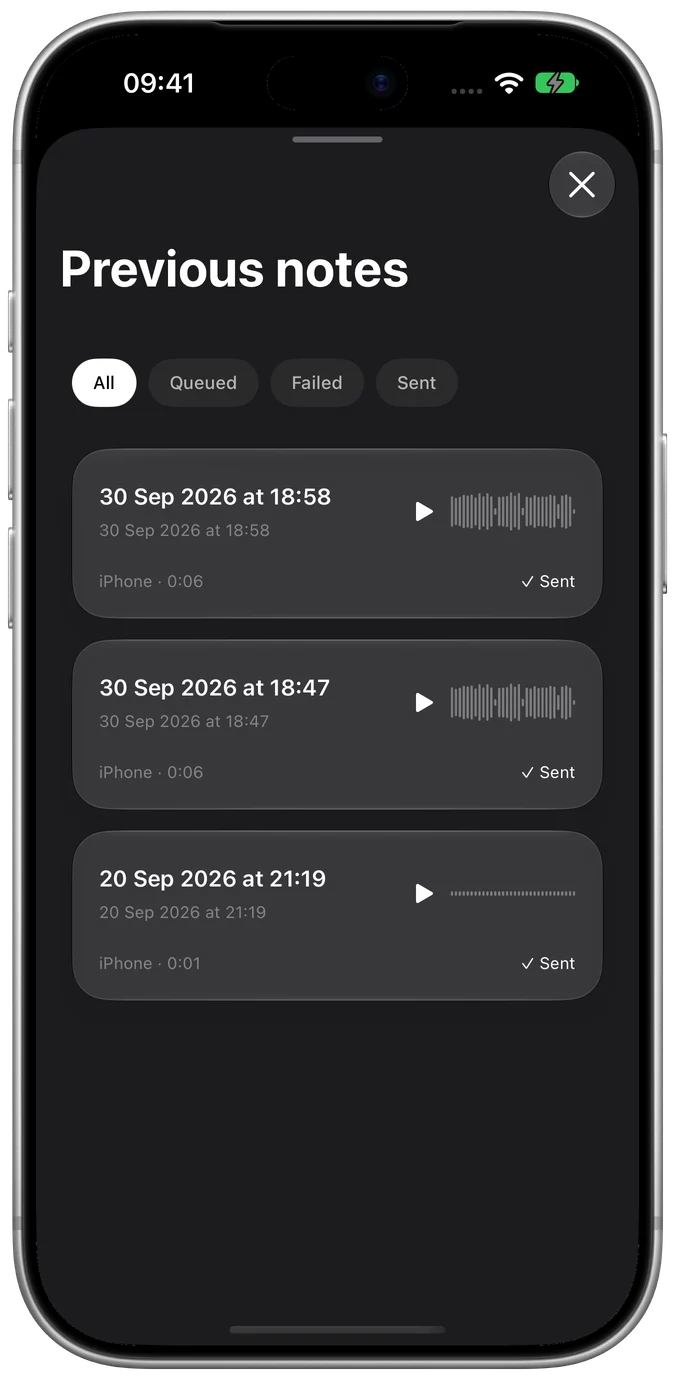
Play it back. Check its delivery status.
Find the thought you left yourself.
Browse and replay previous Notes
See what’s queued, failed, or sent
Keep unsent audio recoverable locally
Choose how long delivered audio stays
Notes live on your devices and go directly to your chosen webhook. No Whim account. No Whim cloud.
No connection? Your Note stays recoverable locally. You can check delivery status and retry when you’re ready.
Set how long delivered audio stays on your devices. Unsent Notes are kept until you choose to delete them.
Still curious? Get support
